- Products
- Air Compressors & Air Tools
- Climate Control
- Compaction Equipment
- Concrete Cutting Tools & Equipment
- Concrete and Masonry
- Demolition & Excavation
- Electrical & Mechanical
- Fasteners and Anchoring Adhesives
- Floor Protection
- Generators and Welders
- Hand Tools
- Heaters
- Janitorial and Office Supplies
- Jobsite Protection
- Ladders & Storage
- Lighting & Lighting Accessories
- Man Lifts
- Material Handling Equipment
- Power Tools
- Pressure Washers & Pumps
- Safety Gear
- Safety Products
- Saws
- Surface Preparation
- SEASONAL PRODUCTS
- Rentals
- Air Compressor and Air Tool Rentals
- Climate Control Rental
- Compaction Rentals
- Concrete Equipment Rentals
- Demolition & Excavation Equipment Rentals
- Concrete Floor Grinder Rentals
- General Construction Equipment Rentals
- Generator Rentals and Welder Rentals
- Heater Rentals
- Light Tower Rentals
- Man Lift Rentals in Massachusetts and Rhode Island
- Material Handling Equipment Rentals
- Pressure Washer & Pump Rentals
- Saw Rentals in New England
- SEASONAL PRODUCTS
- Products
- Air Compressors & Air Tools
- Climate Control
- Compaction Equipment
- Concrete Cutting Tools & Equipment
- Demolition & Excavation
- Electrical & Mechanical
- Floor Protection
- Generators and Welders
- Construction Heaters
- Construction Ladders, Staging, & Storage
- Construction Lighting
- Man Lifts
- Material Handling Equipment
- Industrial Janitorial and Office Supplies
- Pressure Washers & Pumps
- Construction Safety Products
- Construction Safety Gear
- Surface Preparation
- Building Protection
- Diesel Accessories
- Zero Emissions
- Rentals
- Air Compressor and Air Tool Rentals
- Climate Control Rental
- Compaction Rentals
- Concrete Equipment Rental
- Demolition & Excavation Equipment Rental
- General Construction Equipment Rental
- Generator Rentals and Welder Rentals
- Construction Heaters Rental
- Light Tower Rentals
- Man Lift Rentals
- Material Handling Equipment Rental
- Pressure Washer & Pump Rentals
- Saw Rentals in New England
- Concrete Floor Grinder Rentals
- Zero Emissions Rentals
- Repairs & Used
- Parts
- Blog
- Services
- Resources
- About Us
- Contact Us
Sales & Rental of Construction | Industrial Equipment & Supplies

Why Choose a Network KVM Switch for Remote Server Access?
A failed server rarely waits for office hours. A frozen operating system, failed reboot, or BIOS prompt may leave a remote team unable to use ordinary software tools. A Network Kvm Switch can provide out-of-band access to a server’s keyboard, video, and mouse, letting an authorized technician inspect the screen and respond from another location. No truck roll. In practice, that can mean seeing a boot error on a console display and restoring access without entering the server room.
Security technologist Bruce Schneier’s familiar reminder, “Security is a process, not a product,” offers a useful lens for this choice. Remote console access should be protected with strong authentication, limited permissions, and thoughtful network segmentation. The switch itself does not make an infrastructure secure. It is one part of a larger access plan. Administrators should also check supported video resolutions, port capacity, connection reliability, and whether the device records useful audit details. A KVM connection can save time, but it cannot fix every outage or replace sound recovery procedures. That distinction matters. For teams managing servers across sites, the right Network Kvm Switch can make hands-on troubleshooting more practical, while still demanding careful setup and ongoing review.
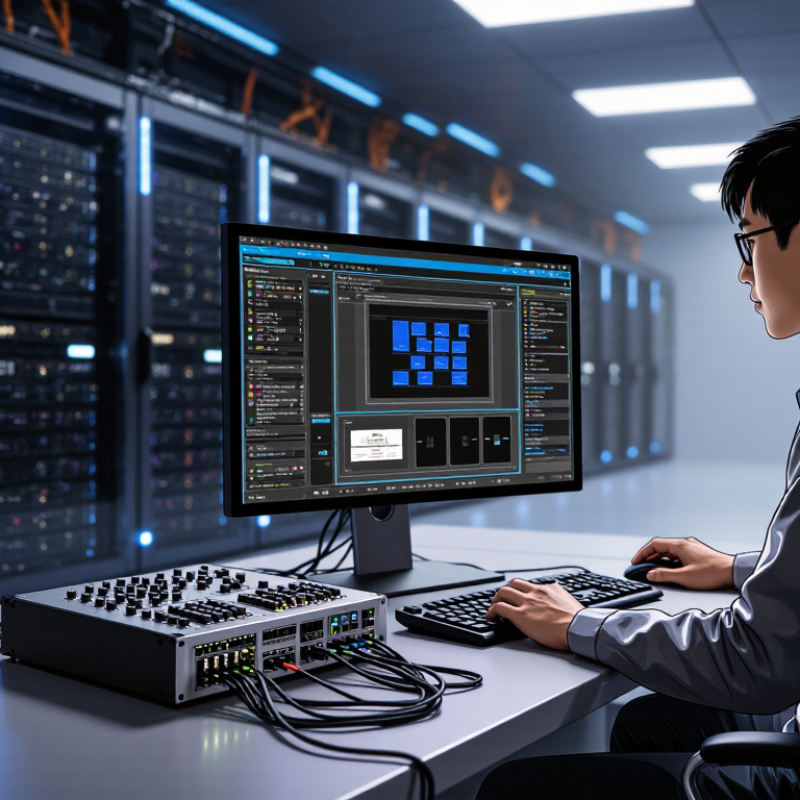
Table of Contents [Hide]
What a Network KVM Switch Is and How It Works
A network KVM switch lets an authorized operator control a server over an IP network. KVM means keyboard, video, and mouse. Unlike ordinary remote desktop software, it can provide access before the server’s operating system loads. That matters when a machine is stuck at a startup screen or needs a firmware setting changed.
The device connects to the server’s video output and USB ports, then links to the network. From another computer, an operator opens its management interface and views the server’s screen. Keyboard and mouse commands travel back through the device. The server stays put. No OS is needed. In a rack, this can mean checking a boot message without walking to the equipment room.
Image quality and response time depend on the device, network, and video settings. A slow connection may make mouse movement feel delayed. Access should be limited to named accounts, strong authentication, and trusted network paths; remote console access is powerful. Keep credentials protected.
One practical detail can be easy to miss: the server still needs power, and the KVM device must be configured correctly. It is useful, but not magic.
© Copyright - Pro Tool & Supply - Site by SVM E-Marketing Solutions - Sitemap
- Privacy policy