Sales & Rental of Construction | Industrial Equipment & Supplies

2026 Top Digital Signage Displays for Businesses

Choosing the right display in 2026 is less about buying the biggest screen and more about matching hardware to a real viewing environment. A bright storefront window, a sunlit café menu board, and a quiet meeting-room display have different needs. Brightness, resolution, operating hours, connectivity, and content management all matter. So does installation and ongoing support.

The market is growing, but projections need context. Grand View Research estimated the global Digital Signage market at USD 26.76 billion in 2023 and projected an 8.1% compound annual growth rate from 2024 to 2030. These are forecasts, not guarantees of value for any individual business. A display can still disappoint if its content is stale or hard to read. That matters.

Dave Haynes, a longtime digital-signage analyst and editor of Sixteen:Nine, has consistently highlighted a practical point: screens work best when their message fits the audience and setting. This guide compares leading business displays with that principle in mind. It considers image quality, durability, installation flexibility, software compatibility, and total ownership needs—not just headline specifications. Picture a menu that stays legible under ceiling lights, or a lobby screen that runs through a full business day without distracting visitors. Those details shape everyday performance. A larger panel is not automatically better; glare, viewing distance, and maintenance can undermine an impressive spec sheet. Some choices will still depend on local conditions, and no single model suits every workplace. The comparisons that follow aim to make those trade-offs easier to assess.
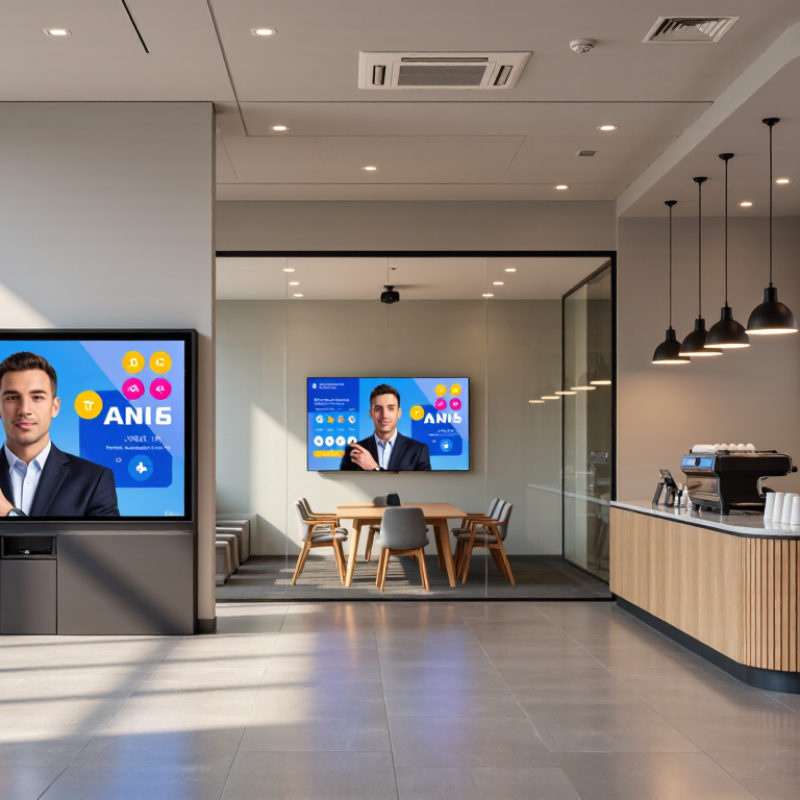
2026 Top Digital Signage Displays for Businesses

What Digital Signage Displays Are and How Businesses Use Them

Digital signage displays are electronic screens used to share changing information in public or workplace settings. Unlike printed signs, they can be updated remotely and scheduled for different times or locations. A typical system includes a commercial display, content software, and a network connection. Screens need care. A display alone cannot fix unclear messaging or poor placement.

Businesses use these screens in practical ways. A café might show menu changes beside the counter, while a shop can highlight product details near a shelf. Reception areas often display directions, service updates, or appointment information. Readable text, strong contrast, and placement at eye level help people absorb a message quickly. Motion can catch attention, but constant animation may distract customers.

Reliable operation takes planning. Screen brightness should suit the room, and operating hours should match business needs. Someone must be responsible for checking content, network access, and playback. Test messages from the distance people will view them. A small typo can remain visible all day. Digital signage is not automatically more useful than a printed notice; some messages are too detailed for a screen, and that is worth considering.

Key Display Technologies and Form Factors in 2026

In 2026, choosing a signage display starts with the viewing distance and the room’s light. LCD screens suit close viewing, menus, and meeting-room dashboards; high-brightness models help near sunlit windows. Direct-view LED builds large, nearly seamless walls for lobbies or transport halls. It needs careful pixel-pitch selection: a fine pitch costs more, and may be wasted when viewers stand far away. OLED offers deep blacks and slim panels, but static content deserves caution because image retention remains a practical concern. E-paper uses little power for static notices, though refresh and color capabilities can limit dynamic use. Trade-offs matter.

Market forecasts suggest continued investment, but they measure different things. Grand View Research valued the global digital-signage market at 28.83 billion dollars in 2023 and forecast an 8.1% compound annual growth rate through 2030. MarketsandMarkets estimated 27.8 billion dollars in 2023, rising to 38.6 billion by 2028. The figures are not directly interchangeable; definitions and forecast periods differ. Still, both point to demand for varied screen formats, not one winning technology.

Form factor should follow the job. Portrait screens fit narrow corridors; stretched displays suit shelf edges, while transparent panels can preserve sightlines in windows. Measure ambient light at the actual installation point, not just from a floor plan. Check viewing distance, ventilation, service access, and daily operating hours. A bright screen can look impressive at noon and harsh after dark. That detail is easy to miss. Forecasts help frame budgets, but they cannot predict whether a specific screen will remain readable, maintainable, and useful in your space.

How to Evaluate Displays for Business Signage

Evaluating a business signage display starts with the room, viewing distance, and daily schedule—not the biggest screen. MarketsandMarkets’ 2024 Digital Signage Market report valued the market at $27.8 billion and projected $41.2 billion by 2029, an 8.2% annual growth rate. That forecast signals growing adoption, not guaranteed display quality. A bright shop window needs different performance from a softly lit reception area. Check brightness, resolution, viewing angle, and glare under the actual lighting. Test small text from the farthest viewer’s position. Test it live.

Reliability deserves equal attention. Confirm the display is rated for its intended operating hours, then review warranty coverage, ventilation needs, and available service. Heat matters. Run a sample playlist for several hours and inspect for washed-out colors, lag, or visible reflections. Match screen orientation and aspect ratio to the content; otherwise, cropped menus or awkward empty space can weaken the message. I would also compare total ownership costs, not just purchase prices. Energy use and replacement access can change the calculation, and these details are easy to overlook.

Tips: Ask vendors for measured brightness and power figures, then verify them in writing. Photograph the screen at morning and afternoon light levels. If possible, test your own content before installation. A specification sheet cannot reveal every real-world compromise.

2026 Top Digital Signage Displays for Businesses - How to Evaluate Displays for Business Signage

Compare display categories by their typical characteristics and intended environments. Brightness, operating hours, resolution, and environmental ratings vary by model; confirm the specifications of the exact display before purchasing.

Display Category Typical Brightness Resolution or Pixel Detail Typical Operating Schedule Best-Fit Applications What to Evaluate
Commercial indoor LCD Approximately 350–700 nits Commonly Full HD (1920 × 1080) or 4K UHD (3840 × 2160) Often designed for extended daily use; supported hours differ by model Retail promotions, reception areas, meeting spaces, and menu boards away from direct sunlight Check daily operating-hour rating, portrait or landscape support, connectivity, anti-glare treatment, and whether the screen is rated for continuous use.
High-brightness indoor LCD Approximately 1,000–2,500 nits; some models offer more Commonly Full HD or 4K UHD, depending on screen size and model Varies; select a model rated for the planned schedule and installation environment Bright shop windows, sunlit atriums, and other indoor locations with strong ambient light Compare brightness with the actual lighting conditions. Review reflections, heat management, installation orientation, and whether the display is intended for window-facing use.
Outdoor LCD Often approximately 2,000–4,000+ nits Commonly Full HD or 4K UHD, depending on the model Model-specific; outdoor-rated operation does not automatically mean 24/7 operation Outdoor directories, transit information, drive-through menus, and exposed storefront displays Verify the stated IP rating, operating-temperature range, sunlight readability, impact protection, cooling method, and resistance to moisture and dust.
LCD video-wall panel Typically approximately 450–700 nits Each panel has its own resolution; the overall wall resolution depends on panel count and layout Many models are designed for extended or continuous operation; confirm the rated schedule Control rooms, large lobbies, corporate communications, and multi-screen feature walls Assess bezel width, brightness and color matching, wall-mounting requirements, heat output, service access, and the video-wall controller needed.
Direct-view LED display Indoor products commonly range from approximately 600–1,500 nits; outdoor models are often brighter Specified by pixel pitch rather than a fixed standard resolution; smaller pixel pitch gives greater pixel density Varies by product and installation; check the manufacturer's operating-hour rating Large-format feature walls, stages, high-visibility retail areas, and outdoor signage Match pixel pitch to the closest viewing distance. Also compare viewing angle, brightness, refresh performance, installation structure, maintenance access, and environmental rating.
Interactive touch display Often approximately 300–500 nits for indoor models Commonly Full HD or 4K UHD Depends on the model and expected touch workload Self-service directories, visitor check-in, product exploration, and wayfinding Test touch response and supported touch points. Check glass durability, accessibility, operating-system compatibility, cleaning requirements, and whether the intended software supports the display.
E-paper signage Reflective; it does not use a conventional backlight brightness rating Varies by screen size and product; typically suited to static information rather than video Designed for low-power content updates; refresh speed and update frequency vary by model Price labels, schedules, room signs, and other information that changes infrequently Check readability in the installed lighting, color capability, refresh time, wireless connectivity, battery or power options, and suitability for the update frequency.

Top Display Options for Different Business Environments

2026 Top Digital Signage Displays for Businesses

Top Display Options for Different Business Environments

The right display depends on what the space demands: close viewing, changing light, or long operating hours. MarketsandMarkets estimates the global digital signage market will grow from $27.8 billion in 2024 to $45.9 billion by 2029. That growth points to wider adoption, but it does not make every screen suitable for every site.

In bright shop windows and sunlit lobbies, high-brightness commercial displays help keep text legible. Check reflections at the actual viewing angle; a bright screen can still look washed out behind glass. For meeting rooms, choose 4K panels sized for the farthest seat, with clear text and reliable wireless presentation. Smaller menu boards and queue displays benefit from readable fonts and simple layouts. Keep key prices large. Customers rarely stop to decipher a screen.

For transport hubs, clinics, and other busy spaces, consider commercial-grade displays rated for extended daily use, plus remote monitoring and accessible service points. Outdoor installations need weather-resistant enclosures, controlled cooling, and screens designed for direct sunlight. The U.S. Department of Energy’s FEMP guidance recommends ENERGY STAR-certified displays where available, helping buyers compare energy use rather than relying on screen size alone. Measure the wall, ambient light, and daily run time before selecting equipment. A small oversight matters: glare often becomes obvious only after installation.

2026 Top Digital Signage Displays for Businesses

Suggested display brightness by business environment

Brightness needs depend on ambient light, screen placement, and glare. These practical planning benchmarks illustrate why indoor displays often suit offices and retail floors, while window-facing and outdoor locations typically need brighter screens. Confirm requirements for the specific installation.

Installation, Content Management, and Ongoing Maintenance

2026 Top Digital Signage Displays for Businesses

Installation, Content Management, and Ongoing Maintenance

Choosing a display starts with where people will view it. Measure the distance from the screen to the nearest and farthest viewers, then check daylight and overhead lighting. A bright lobby may need a different screen than a shaded meeting room. Too bright can be distracting. Small details matter.

Plan installation around power, network access, airflow, and serviceability. A mount should hold the display securely while allowing technicians to reach ports and controls. Check sightlines from seated and standing positions before drilling. Leave room for ventilation. One overlooked cable can complicate later repairs, so document connections and label both ends.

Content management works best when a named staff member owns publishing and review. Use readable type, strong contrast, and brief messages that remain clear from several metres away. Preview each item on the actual display; colors and text can look different at full size. Set schedules for opening hours and confirm that updates reach every screen. Maintenance needs a simple rhythm: inspect mounts and cables, clean the screen with a suitable soft cloth, and check playback regularly. Keep a record of faults and fixes. Even a careful checklist may miss a problem, so review it after real operating conditions reveal what needs changing.

© Copyright - Pro Tool & Supply - Site by SVM E-Marketing Solutions - Sitemap - Privacy policy
