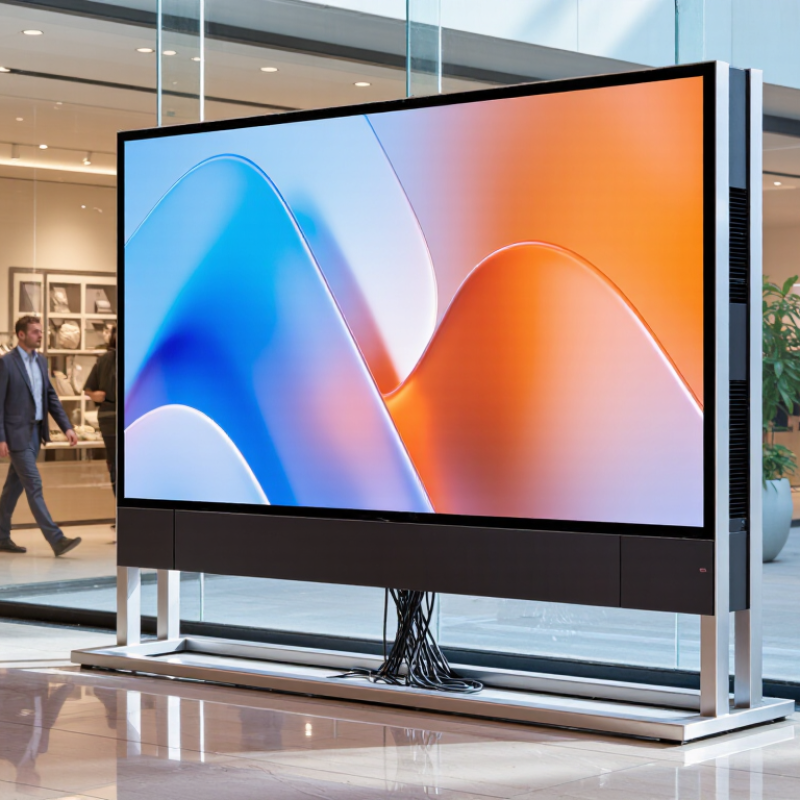
| Product Selection | Pixel pitch | Approximately 1.5–4.0 mm for indoor viewing; approximately 2.6–6.0 mm for sheltered outdoor or storefront use. | Select according to viewing distance, not only cabinet size. | A smaller pitch provides higher pixel density but normally increases LED module cost, processing requirements, and service sensitivity. |
| Recommended viewing distance | Approximate minimum comfortable distance: pixel pitch in millimetres × 1,000 in millimetres. For example, a 2.5 mm pitch is commonly viewed from about 2.5 m or farther. | Request a viewing-distance calculation based on the actual venue. | The formula is a planning reference only; content type, brightness, camera use, and viewer eyesight also affect perceived image quality. |
| Brightness | Indoor: commonly about 800–1,500 nits. Outdoor or high-ambient-light locations: commonly about 4,000–6,000 nits. | Use adjustable brightness with an ambient-light sensor or scheduled control. | Excessive brightness can cause glare, increase energy use, and shorten LED service life. Confirm local limits for public-facing displays. |
| Refresh rate | Common commercial ranges are 1,920–3,840 Hz; higher refresh rates may be required for professional camera capture. | Choose at least 1,920 Hz for general digital signage; verify camera compatibility when filming is expected. | Refresh rate is different from frame rate. Flicker performance should be checked using the intended camera and shutter settings. |
| Ingress protection | IP20 is generally intended for dry indoor environments. IP65 indicates dust-tight protection and water-jet protection on the specified enclosure side. | Use a certified outdoor-rated enclosure for exposed locations; do not treat IP rating as full waterproofing. | Confirm whether the rating applies to the front, rear, or complete assembled product. Cable glands, doors, ventilation, and installation joints also matter. |
| Viewing angle | Many LED modules provide approximately 120° horizontal and 120° vertical viewing angles, depending on LED package and mask design. | Request measured viewing-angle data and a sample image from the intended side angle. | Brightness and color uniformity can decline at extreme angles even when the nominal viewing angle appears wide. |
| Color performance | Common specifications include 16-bit or higher internal processing and a wide color gamut; actual color accuracy varies by calibration and components. | Require factory calibration records and a consistent color-management workflow. | Ask how receiving cards, modules, power supplies, and replacement parts are calibrated to prevent visible color differences. |
| Installation | Electrical supply | Commercial LED displays commonly use 100–240 V AC input with switching power supplies; exact requirements depend on the system design. | Confirm local voltage, frequency, circuit capacity, earthing, and protective devices before shipment. | Use a qualified electrician. Provide dedicated circuits where required and include suitable over-current and residual-current protection according to local regulations. |
| Power planning | Many systems specify both average and maximum power consumption. Maximum power may be approximately 2–3 times the average value, depending on brightness and content. | Size circuits, cables, and thermal provisions using the manufacturer’s maximum rated power. | Do not calculate infrastructure from average consumption alone. Confirm power factor, startup current, and the number of screens per circuit. |
| Mounting and stability | Poster screens may be freestanding, wall-mounted, or connected in a tiled configuration. Structural loads vary significantly by enclosure and stand design. | Obtain verified dimensions, total mass, center of gravity, fixing points, and allowable floor or wall load. | For public areas, prevent tipping and unauthorized movement. A structural professional should verify wall anchors and wind loads where applicable. |
| Ventilation clearance | Required clearance is design-specific; rear and side ventilation paths must not be blocked. | Follow the installation drawing and leave access for power supplies, controller components, and service panels. | Insufficient airflow raises internal temperature and can reduce component life. Do not place vents directly against walls or insulating materials. |
| Network connectivity | Typical options include Ethernet, Wi-Fi, USB, and cloud or local media control. Network performance depends on content size and management method. | Use wired Ethernet for permanent installations when practical and separate display traffic from untrusted networks. | Define firewall rules, user permissions, remote-access responsibilities, firmware-update procedures, and offline playback behavior before deployment. |
| Commissioning tests | Basic commissioning should include dead-pixel inspection, brightness and color uniformity, input switching, network control, temperature, and emergency power isolation. | Require a signed installation and acceptance checklist with photographs and test results. | Test the screen under actual ambient lighting and with the final content format. Record serial numbers or cabinet positions for future service tracking. |
| Operation | Content resolution and aspect ratio | Content should match the screen’s native pixel matrix or be scaled by a suitable processor. Common media formats include 16:9 video, portrait video, PNG, JPEG, and HTML-based content. | Prepare content using the exact physical pixel dimensions and orientation of the installed screen. | Incorrect scaling can cause blurred text, cropped images, or uneven borders. Validate portrait content before publishing it to multiple locations. |
| Operating temperature | Many commercial products are rated around 0°C to 40°C indoors; outdoor-rated products may support wider ranges such as approximately −20°C to 50°C. | Use the product’s certified operating range, not a generic LED industry assumption. | Monitor internal temperature in hot environments and avoid direct sunlight on enclosed electronics unless the design includes suitable thermal management. |
| Daily operating schedule | LED displays can support long daily operation, but duty cycle, brightness, ventilation, and power-supply quality affect reliability. | Use scheduling, sleep mode, and reduced brightness during low-traffic hours. | Continuous operation at maximum brightness is usually unnecessary for signage and may increase energy consumption and thermal stress. |
| Brightness control | Manual, timed, or automatic ambient-light adjustment may be available depending on the controller and sensor configuration. | Set operating limits that balance readability, local light-pollution rules, and energy efficiency. | Keep a documented brightness profile for daytime, evening, indoor, and event use to prevent inconsistent settings across sites. |
| Data security and access | Network-connected displays can be exposed to unauthorized access if default passwords, outdated software, or open remote services are used. | Change default credentials, restrict administrator access, use encrypted management where supported, and maintain an update log. | Assign clear ownership for content approval, account management, incident response, and remote support. |
| Energy management | Energy use varies with pixel pitch, brightness, content, cabinet size, refresh settings, and operating hours. | Request average and maximum power data measured under defined conditions. | Compare products using the same brightness level, screen area, operating schedule, and electricity tariff rather than relying on headline wattage alone. |
| Maintenance | Routine cleaning | Cleaning frequency depends on dust, smoke, humidity, public contact, and installation location; monthly inspection is a practical starting point. | Use a lint-free cloth and approved non-abrasive cleaning method; disconnect power when required by the service procedure. | Do not spray liquid directly onto LED modules, seams, connectors, fans, or power supplies. Avoid solvents and abrasive tools unless explicitly approved. |
| Preventive inspection | Inspect mechanical fixings, cable connections, ventilation openings, fans, power supplies, controller status, and visible image faults at scheduled intervals. | Perform documented inspections at least quarterly in normal environments and more frequently in dusty or high-use locations. | Early detection of loose connectors, blocked vents, abnormal noise, or localized heating can prevent larger failures. |
| LED module replacement | Replacement modules should match pixel pitch, dimensions, scan configuration, connector layout, LED type, and calibration data. | Keep compatible spare modules and record the correct mapping position for each replacement. | A physically similar module may still produce a different color or brightness. Recalibration may be needed after component replacement. |
| Power-supply and controller service | Power supplies and receiving cards are service items that can fail due to heat, moisture, voltage disturbances, or age. | Maintain labeled spare units and use replacement parts with matching electrical ratings and firmware compatibility. | Isolate and discharge equipment safely before service. Only qualified personnel should work on mains-voltage components. |
| Dead-pixel and uniformity policy | Pixel defects and brightness variation are normally controlled by the supplier’s quality standard and warranty terms. | Obtain measurable acceptance limits for dead pixels, stuck pixels, color deviation, and module-to-module uniformity. | Check the policy at the same viewing distance and brightness used for acceptance. Require written procedures for grouping, repair, and recalibration. |
| Warranty and spare parts | Commercial warranties commonly define a limited period and may exclude damage caused by improper installation, moisture, voltage problems, or unauthorized repair. | Confirm warranty duration, response time, labor coverage, shipping responsibility, and spare-parts availability in writing. | For multi-site deployments, request a recommended spare ratio and a clear escalation process for remote diagnosis and on-site repair. |
| Buyer Verification | Compliance documentation | Depending on the destination market, documentation may include electrical safety, electromagnetic compatibility, restricted substances, energy, and radio-equipment information. | Request applicable declarations, test reports, user manuals, and installation instructions before purchase. | Certification markings alone do not replace verification that the exact model and configuration are covered by the relevant documentation. |
| Fire and material safety | Enclosure and cable material requirements vary by building type and jurisdiction; public venues may impose stricter fire-safety rules. | Confirm enclosure, cable, and mounting-material classifications required by the project location. | Coordinate with the building owner, electrical engineer, and local authority before installation in malls, airports, transport areas, or event venues. |
| Content-management compatibility | Systems may support local USB playback, LAN control, cloud platforms, scheduling, monitoring, and third-party content-management software. | Test the complete workflow: upload, schedule, playback, interruption recovery, monitoring, and user permissions. | A screen that displays test images correctly may still fail operationally if the software cannot manage schedules, orientation, or multiple locations. |
| Total cost of ownership | Relevant cost elements include screen hardware, mounting, controller, shipping, installation, electrical work, connectivity, energy, spare parts, labor, and disposal. | Compare a multi-year cost model rather than purchase price alone. | Use consistent assumptions for operating hours, electricity rates, maintenance visits, failure rates, replacement parts, and software fees. |
| Acceptance criteria | Acceptance should define image quality, brightness, color uniformity, pixel defects, connectivity, thermal behavior, safety, and documentation. | Approve only after documented site testing | Include the final configuration, firmware version, calibration files, wiring diagram, spare-parts list, training record, and maintenance schedule in the handover package. |