- Products
- Air Compressors & Air Tools
- Climate Control
- Compaction Equipment
- Concrete Cutting Tools & Equipment
- Concrete and Masonry
- Demolition & Excavation
- Electrical & Mechanical
- Fasteners and Anchoring Adhesives
- Floor Protection
- Generators and Welders
- Hand Tools
- Heaters
- Janitorial and Office Supplies
- Jobsite Protection
- Ladders & Storage
- Lighting & Lighting Accessories
- Man Lifts
- Material Handling Equipment
- Power Tools
- Pressure Washers & Pumps
- Safety Gear
- Safety Products
- Saws
- Surface Preparation
- SEASONAL PRODUCTS
- Rentals
- Air Compressor and Air Tool Rentals
- Climate Control Rental
- Compaction Rentals
- Concrete Equipment Rentals
- Demolition & Excavation Equipment Rentals
- Concrete Floor Grinder Rentals
- General Construction Equipment Rentals
- Generator Rentals and Welder Rentals
- Heater Rentals
- Light Tower Rentals
- Man Lift Rentals in Massachusetts and Rhode Island
- Material Handling Equipment Rentals
- Pressure Washer & Pump Rentals
- Saw Rentals in New England
- SEASONAL PRODUCTS
- Products
- Air Compressors & Air Tools
- Climate Control
- Compaction Equipment
- Concrete Cutting Tools & Equipment
- Demolition & Excavation
- Electrical & Mechanical
- Floor Protection
- Generators and Welders
- Construction Heaters
- Construction Ladders, Staging, & Storage
- Construction Lighting
- Man Lifts
- Material Handling Equipment
- Industrial Janitorial and Office Supplies
- Pressure Washers & Pumps
- Construction Safety Products
- Construction Safety Gear
- Surface Preparation
- Building Protection
- Diesel Accessories
- Zero Emissions
- Rentals
- Air Compressor and Air Tool Rentals
- Climate Control Rental
- Compaction Rentals
- Concrete Equipment Rental
- Demolition & Excavation Equipment Rental
- General Construction Equipment Rental
- Generator Rentals and Welder Rentals
- Construction Heaters Rental
- Light Tower Rentals
- Man Lift Rentals
- Material Handling Equipment Rental
- Pressure Washer & Pump Rentals
- Saw Rentals in New England
- Concrete Floor Grinder Rentals
- Zero Emissions Rentals
- Repairs & Used
- Parts
- Blog
- Services
- Resources
- About Us
- Contact Us
Sales & Rental of Construction | Industrial Equipment & Supplies

10 Tips for Choosing an Industrial Touchscreen
Choosing an Industrial Touchscreen is a practical engineering decision, not a simple screen purchase. In a factory, the panel may face oil mist, metal dust, vibration, gloves, and constant cleaning. A display that looks impressive in a showroom can fail beside a stamping press. Real selection begins with the worksite. Operators need clear images under uneven lighting, reliable touch response, and controls that remain usable during long shifts. Small details matter. A wet finger can change everything.
This guide presents 10 tips based on common industrial design and maintenance considerations. It examines protection ratings, panel materials, brightness, viewing angles, touch technologies, operating temperature, mounting, connectivity, and serviceability. It also considers the computer or controller behind the panel. A strong touchscreen cannot repair unstable software or poor wiring. Specifications should be checked against test reports, datasheets, and actual site conditions. Vendor experience matters, but marketing language is not evidence. Ask for operating limits, cleaning guidance, warranty terms, and replacement plans.
There is no universal best model. A food-processing line may need a sealed stainless enclosure, while a warehouse terminal may prioritize impact resistance and glove operation. Cost deserves attention, yet the cheapest unit can create expensive downtime. I have seen decisions improve when teams observe operators using sample hardware for a full shift. That test may reveal glare, awkward mounting, or tiring gestures. No checklist is perfect. Revisit assumptions before approval, especially when temperature, chemicals, or vibration exceed normal expectations. The right Industrial Touchscreen should fit the process, people, and maintenance reality—not merely the product brochure.
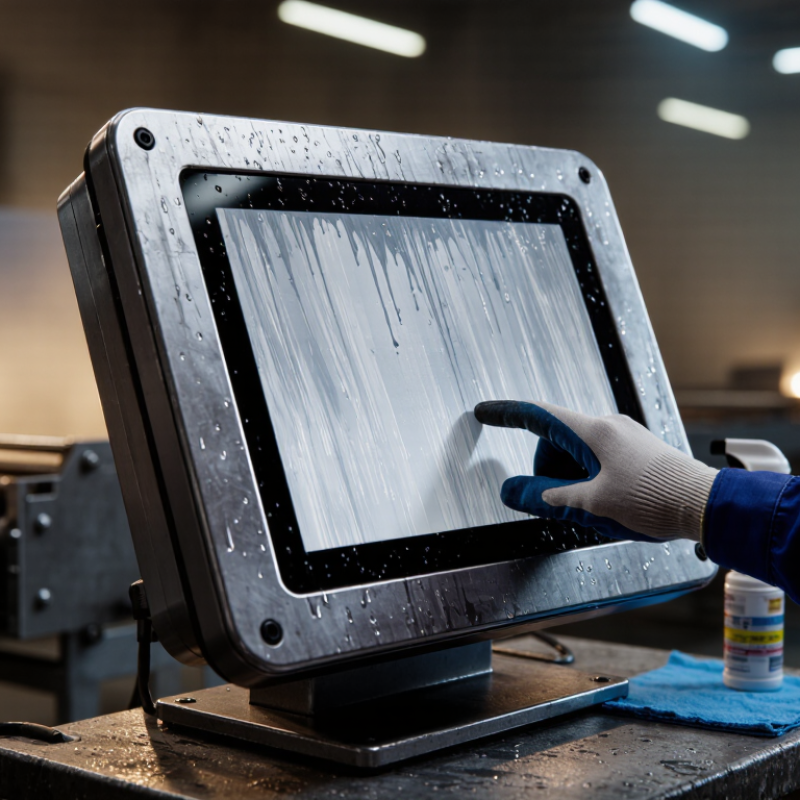
Table of Contents [Hide]
Define the Industrial Environment and Touchscreen Application
Define the industrial environment and touchscreen application before comparing glass, resolution, or price. In a robot cell, the panel may face oil mist, vibration, gloves, and bright overhead lighting. On a packaging line, washdown pressure and disinfectant exposure may matter more. World Robotics 2024 recorded 541,302 industrial robot installations worldwide in 2023. That figure reflects the growing need for clear operator interfaces near automated equipment. Map the exact task. Will operators enter recipes, acknowledge alarms, or monitor production trends? Each task changes the required screen size, touch technology, and response speed. Small details matter.
Record temperature swings, humidity, dust, chemical contact, impact risks, and cleaning methods. IEC 60529 IP ratings describe protection against solids and water, but they do not guarantee resistance to every chemical. A high IP rating alone is not enough. Gloved operators may need projected capacitive touch, while heavy gloves or wet hands may require another sensing method. Check viewing angles under actual factory lighting, not only in a showroom. International safety and usability data also support practical testing: the International Federation of Robotics reported more than half a million industrial robot installations in 2023. Interfaces must therefore support fast, safe decisions beside moving equipment. I would still recheck every specification during a site trial. Engineers sometimes overvalue resolution and underestimate cleaning, glare, or cable access. That assumption can fail.
© Copyright - Pro Tool & Supply - Site by SVM E-Marketing Solutions - Sitemap
- Privacy policy